Lenny B’s Knowledge Library for Creators
Real-world guidance on audio, voice, workflow, positioning, business, marketing, and audience growth—built from the problems I solve, the systems I use, and the lessons I’ve learned helping creators turn their skills into stronger work and better opportunities.
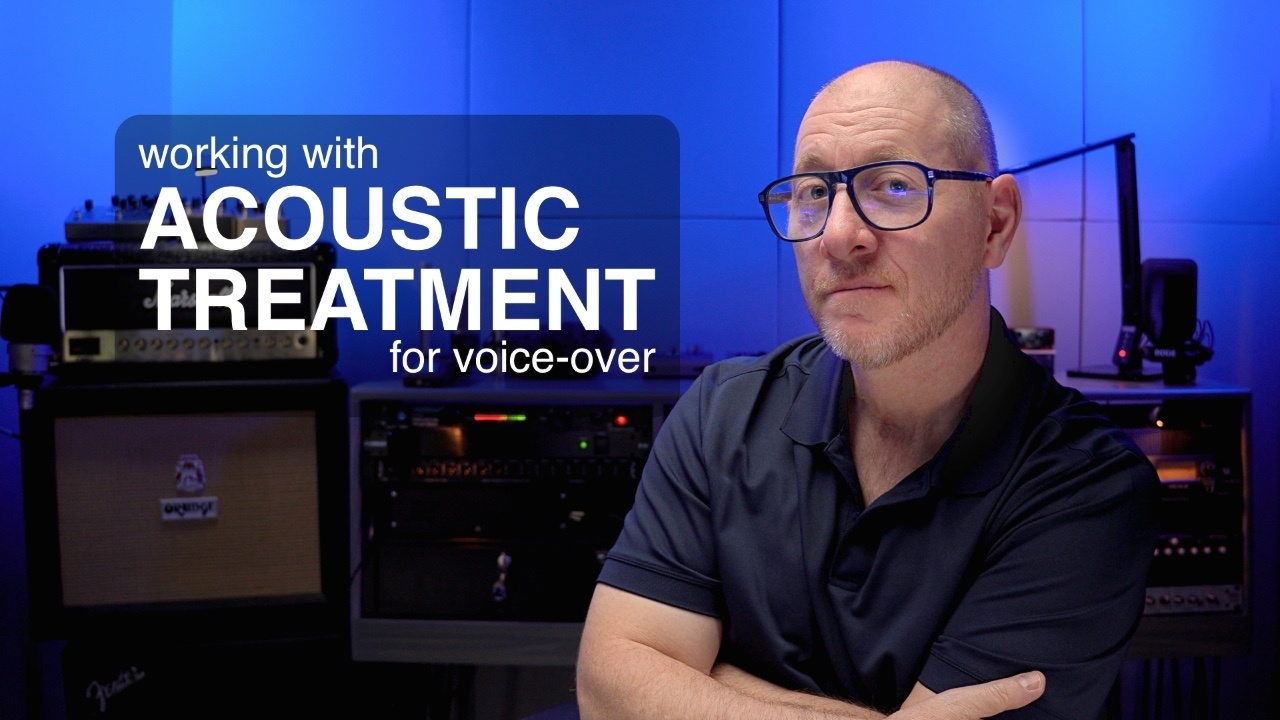
Controlling the sound in your recording space will give you the most significant improvement in quality for recorded voice-over. And it doesn't always have to be complicated or expensive to accomplish. In this video, we see how a few minor adjustments can significantly improve the ...
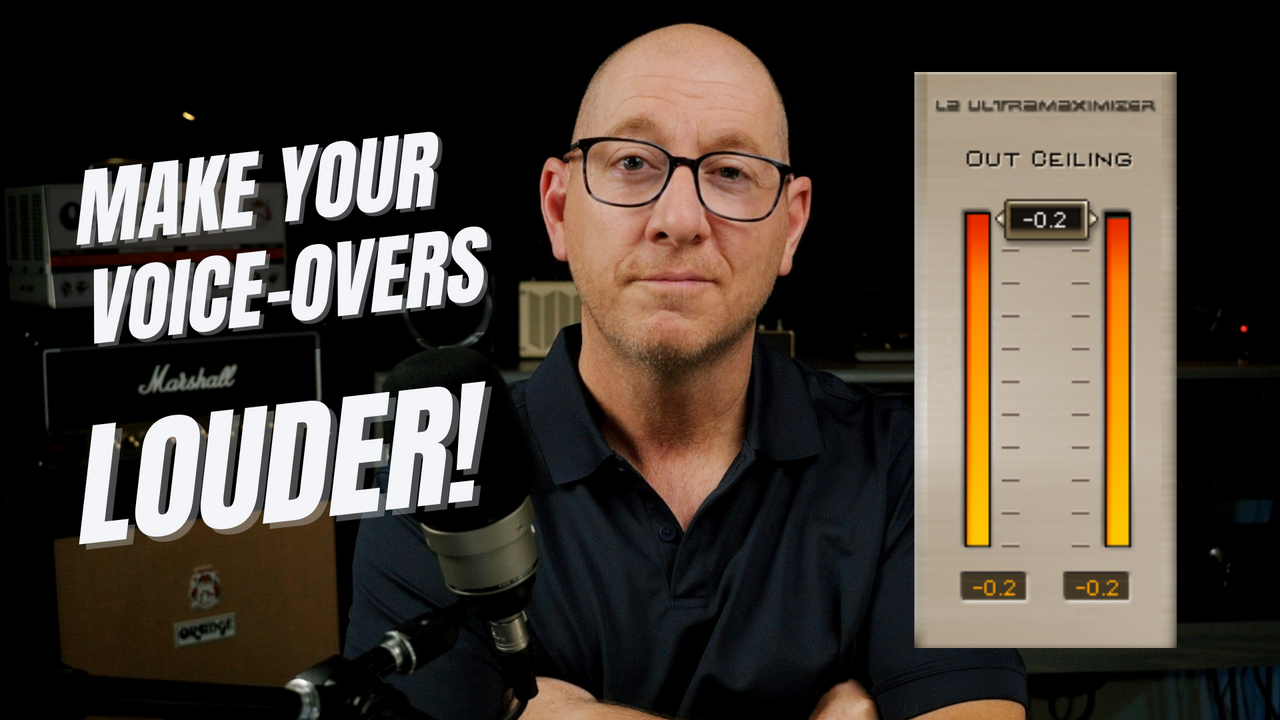
What Is Voice-Over Mastering?
The last stage of Voice-Over processing is called Mastering, and it is all about loudness. The process of Mastering, in terms of voice-over production, is used to make your voice-overs loud without distorting. The mastering process is necessary to meet loudness standar...

A custom processing preset for voice-over is a series of plugins that manipulate your raw audio file to produce the best sound possible. You may be wondering if the preset will work with different style reads. For example, will it handle a soft, detailed audiobook passage and a loud, in-your-face au...

What's The Price?
To get a price quote for your custom processing preset, I first need to get a little information about your system, challenges, and goals. Once I clearly understand the work that needs to be accomplished, I will be happy to send you an itemized quote for the cost of your custom pr...
Consulting services are available for clients interested in the preset service. For your custom preset to be effective, the quality of your original recording must be of a certain quality standard. I will guide you to resolve sound treatment, gain staging, equipment, connection, and recording issues...
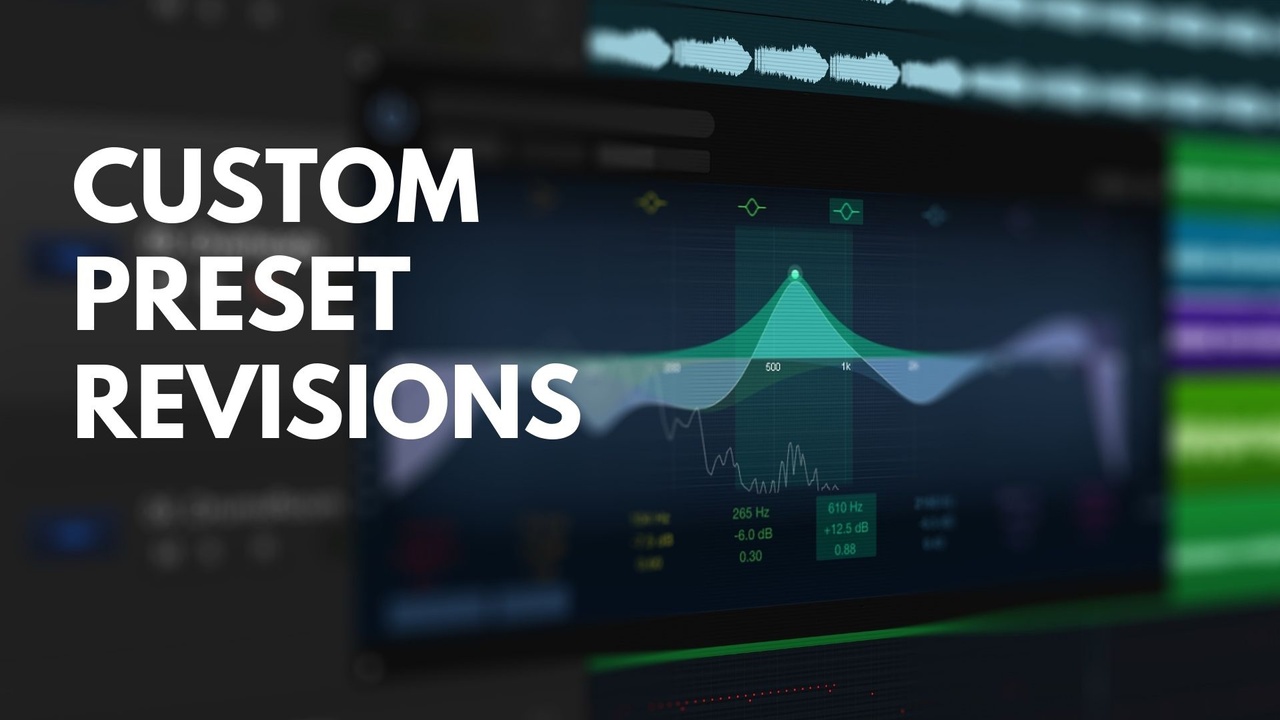
The custom processing preset for voice-over is a series of plugins that manipulate the audio to produce the best sound possible. Once you purchase a custom preset and install it on your system, the same processing that you heard in the demo is now happening on your machine. But what if the sound is ...
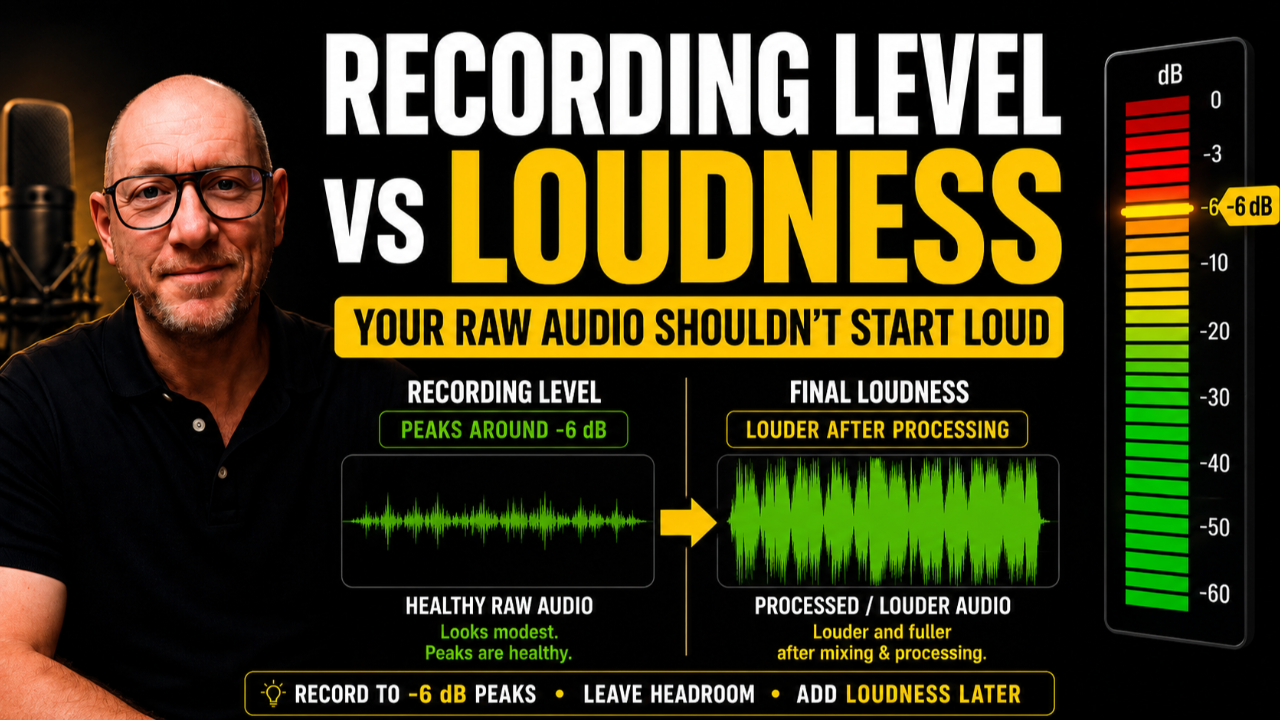
Recording Level vs. Loudness for Voice-Over
One of the most common mistakes I see in self-producing voice-over is trying to make the recording sound loud while it is being recorded.
That feels logical. You speak into the microphone, look at the waveform, listen through your headphones, and natura...

After your purchase, you will receive the preset files (as a single .zip file) via email or dropbox. Save the attached .zip file to your local computer and unzip the file and keep the contents in a safe place on your computer.
Next, you will open your DAW and open the corresponding plugin. The pres...
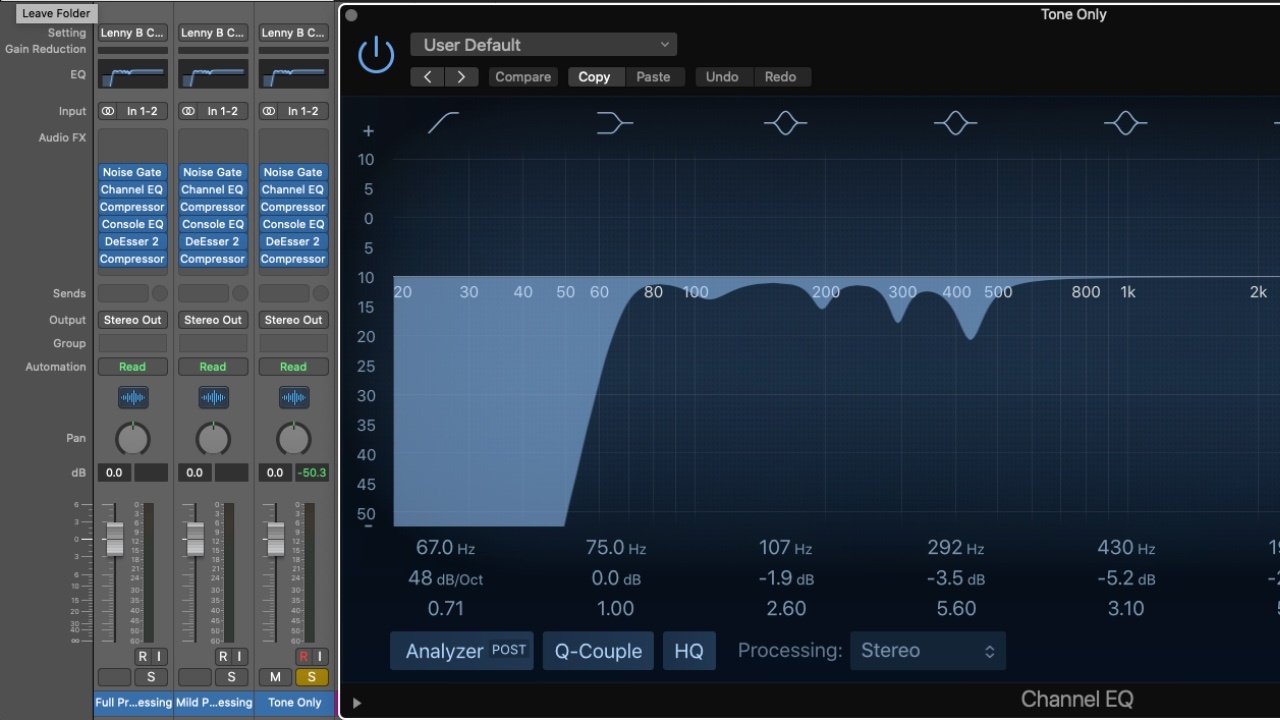
Logic Pro Only Preset Installation Guide:
The presets for you to install are attached to this email. You'll need to place the attached files in this folder on your Mac:
User>Music>Audio Music Apps>Channel Strip Settings>Track
Then close and reopen Logic Pro and you should be able to access the pr...

To save the custom plugin settings and plugin order (configuration) to Adobe Audition on your local machine, follow the instructions below.
Step #1 - Open the Adobe Audition multitrack session delivered as part of your custom setting package.
Step #2 - Once the session is open, select the track wi...

Once you have purchased the Waves plugins that we've used for your custom setting, you will need to use "Waves Central" to install and license those respective plugins. Waves Central is free Waves software that walks you through loading and authorizing each plugin on your PC or Mac.
The basic Waves...

The journey you take by learning voice-over production leads to this question. Should I use EQ for my voice-over? The fact that you are curious about this subject confirms that you are on the right path to becoming a better voice-over producer. EQ is one of the most critical processes used to optimi...